
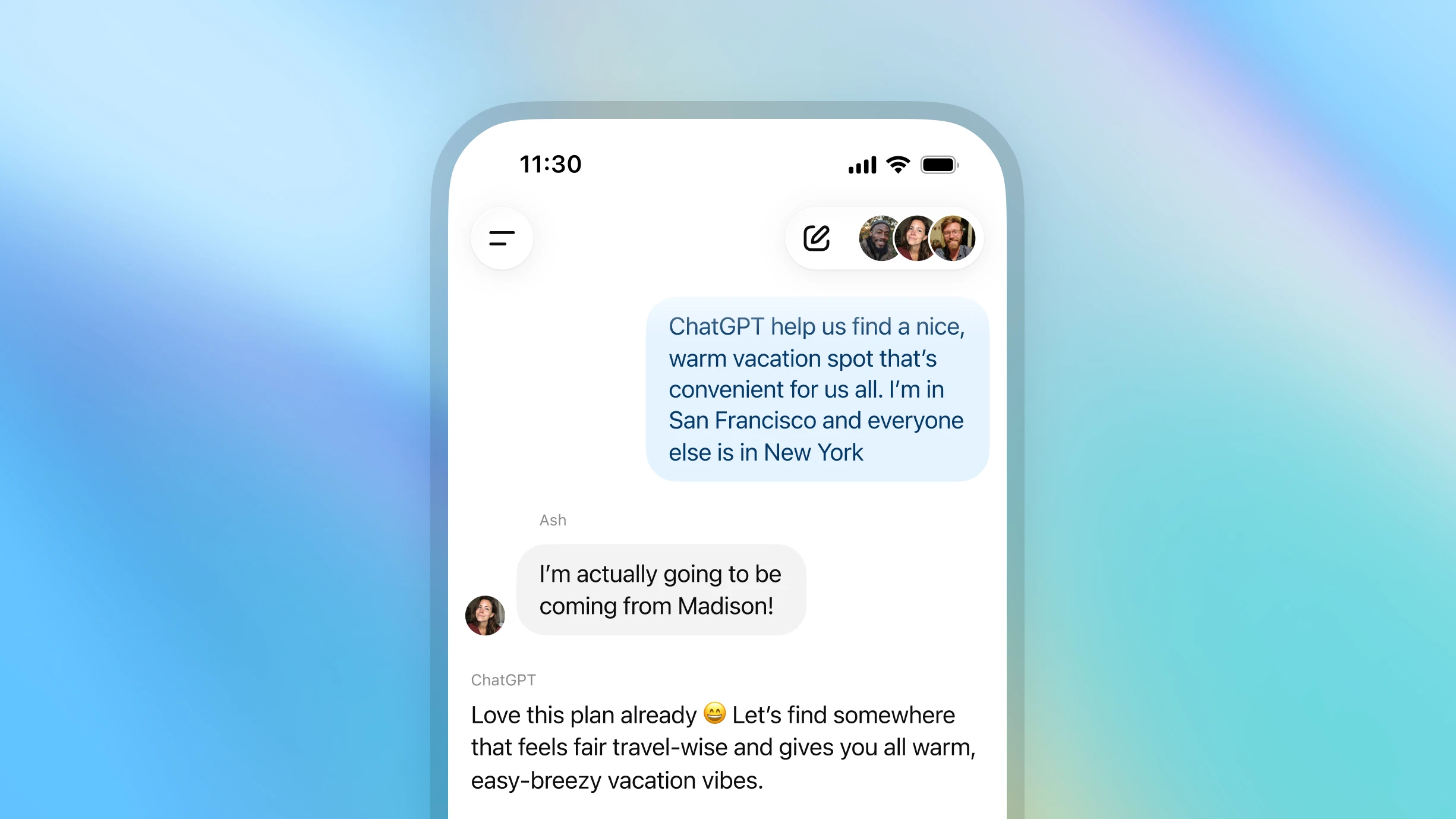
如何開始群組對話
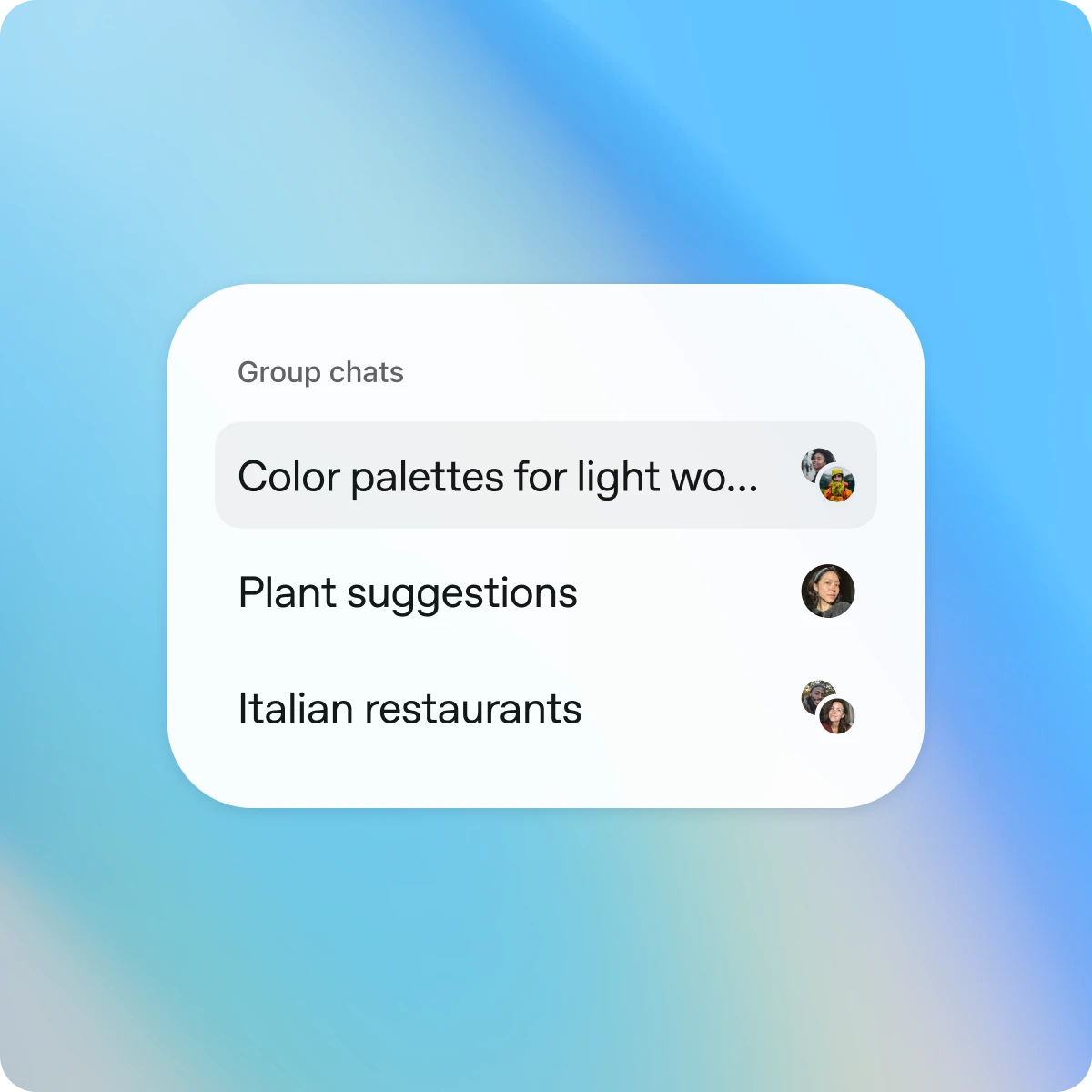
開啟 ChatGPT,然後點選新建或現有對話右上角的「新增成員」圖示。

Designed for shared conversations
Separate by design
Group chats are separate from your individual conversations. Your personal ChatGPT memory is never shared or used in group chats.
Simple and intuitive
Group chats work just like your regular conversations—only now, others can join, too. They support search, file upload, image generation, and dictation.
You’re in control
Join by invitation only. You can see who’s in the chat, add or remove participants (except the creator), or leave anytime.
更多協作方式
See it in action
Explore more
- 用語音直接說出指令
與 ChatGPT 免提語音交談,激發想法,獲取逐步指引,或使用相機即時為你拆解問題。
- ChatGPT 中的深度研究
給 ChatGPT 指定一個研究話題,即可接收到一份全面的報告。
- 使用 Atlas 瀏覽網頁
使用以 AI 驅動的瀏覽器 Atlas 來總結頁面、比較產品、分析資訊或在網絡上執行各種操作。