Use ChatGPT with presentations
Get help with every part of your presentation—whether you’re summarizing slides or improving design. Simply upload any deck to ChatGPT to ask questions, get insights, or build a new one from scratch.
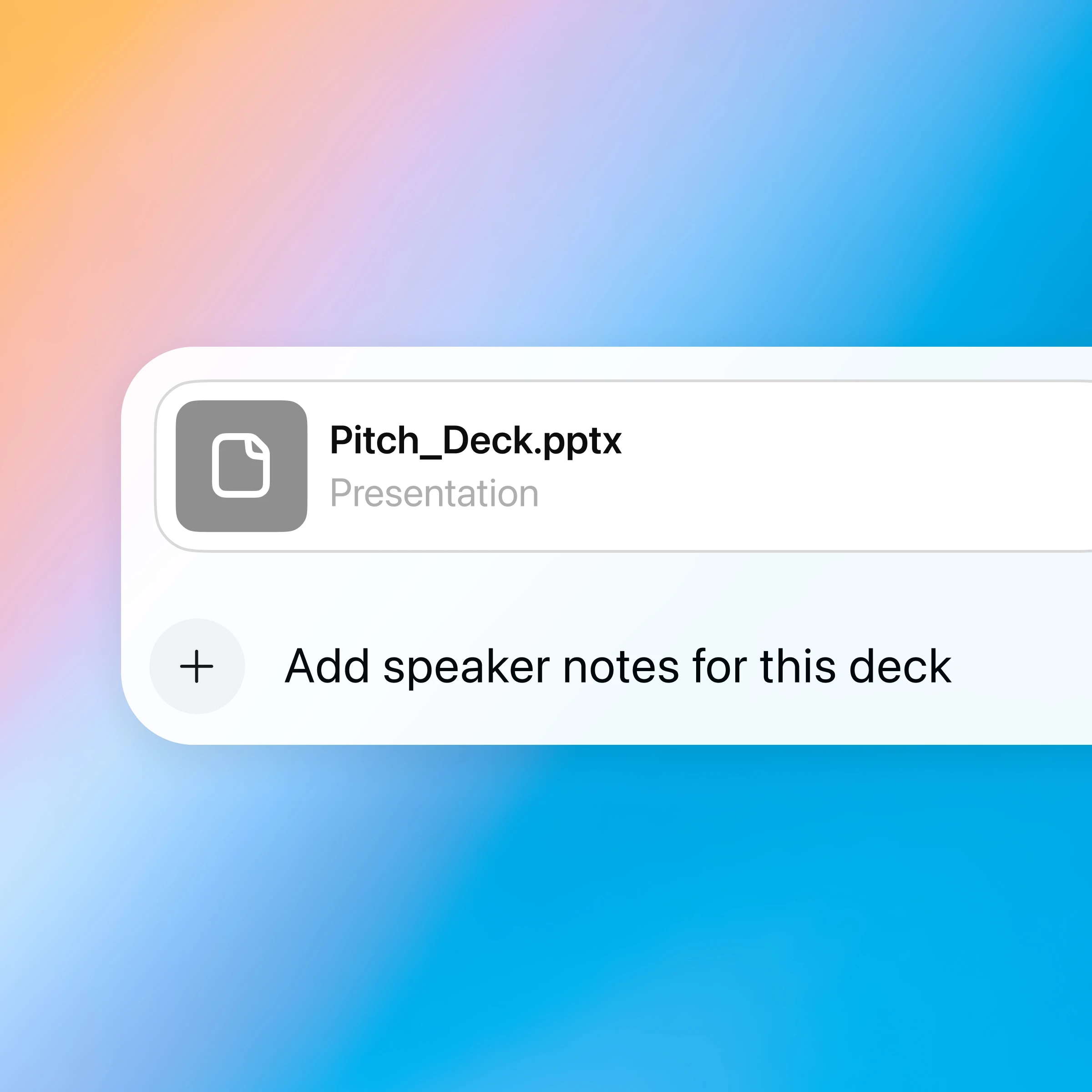
A partner for creating presentations
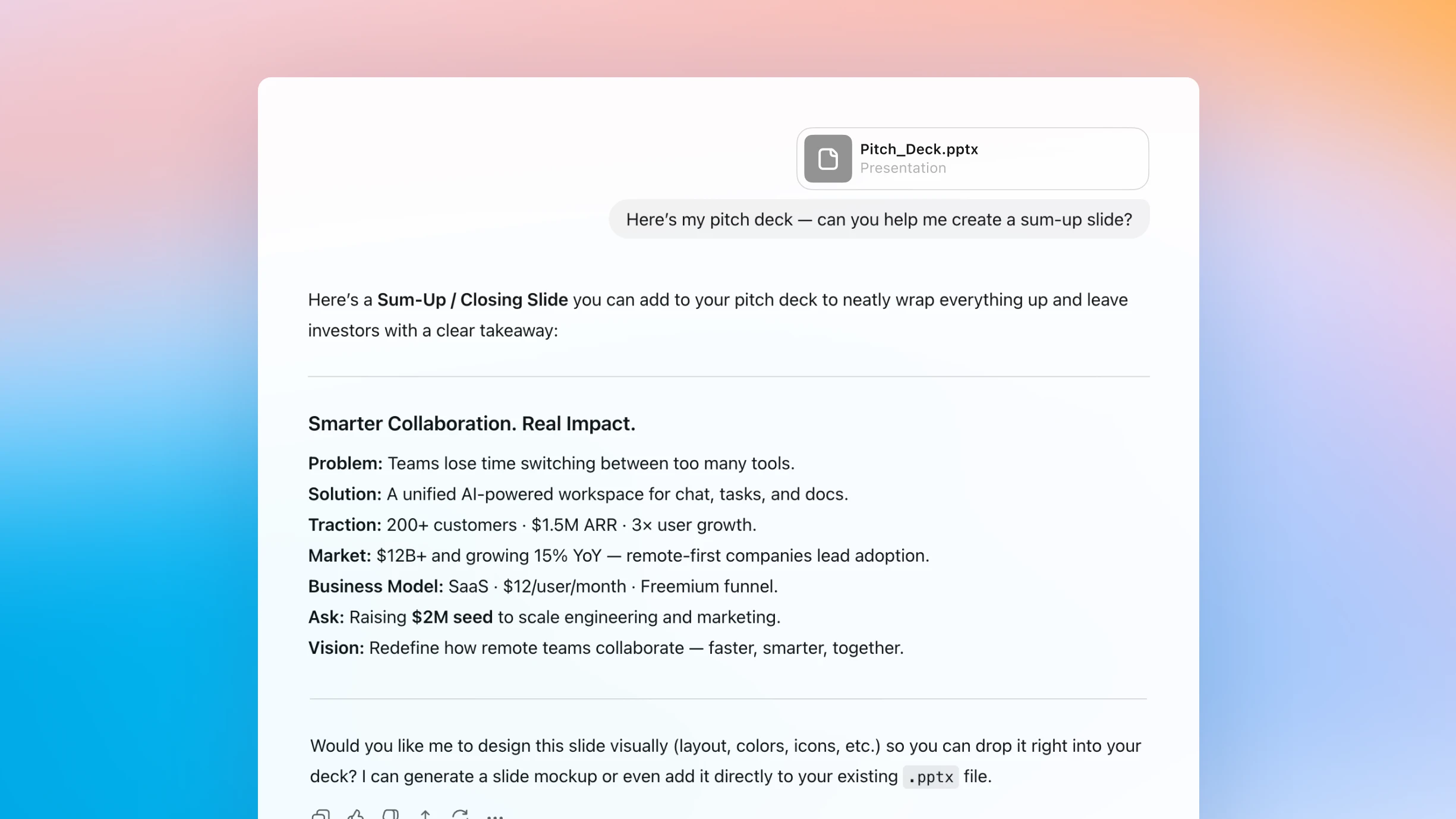
Simplify complex content
Upload a presentation to ChatGPT to summarize slides, surface key takeaways, and clarify advanced ideas, just by chatting.
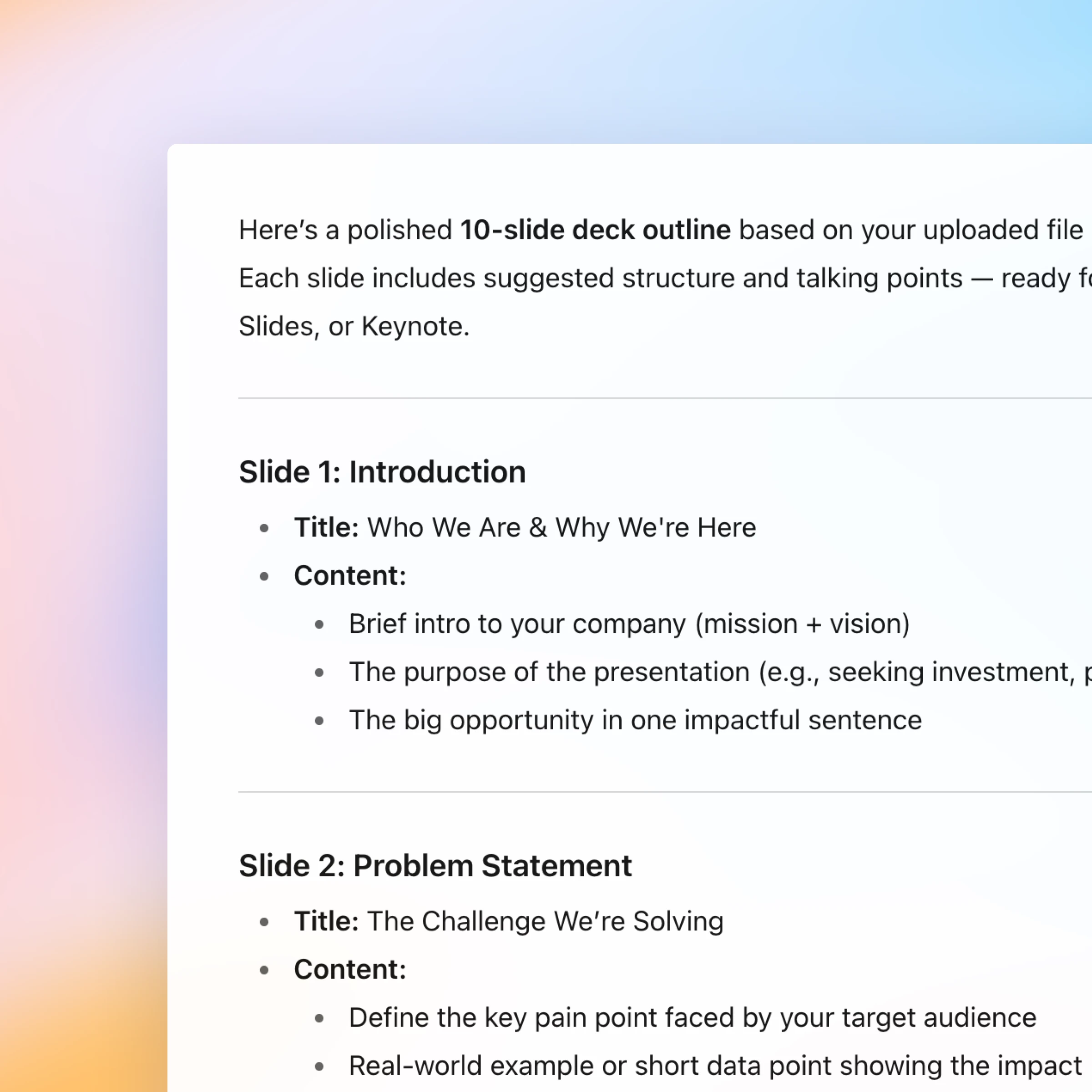
From rough draft to polished story
Start with an outline and use ChatGPT to help shape your message, organize your thoughts, and turn them into polished slides.
Have a natural conversation
Ask, refine, and iterate naturally. Every step of creating or understanding a presentation happens in one continuous, easy conversation.
New: Canva in ChatGPT
You can now create, preview, and edit Canva designs in ChatGPT, without leaving the conversation. Just mention “Canva” in your chat.
How it works
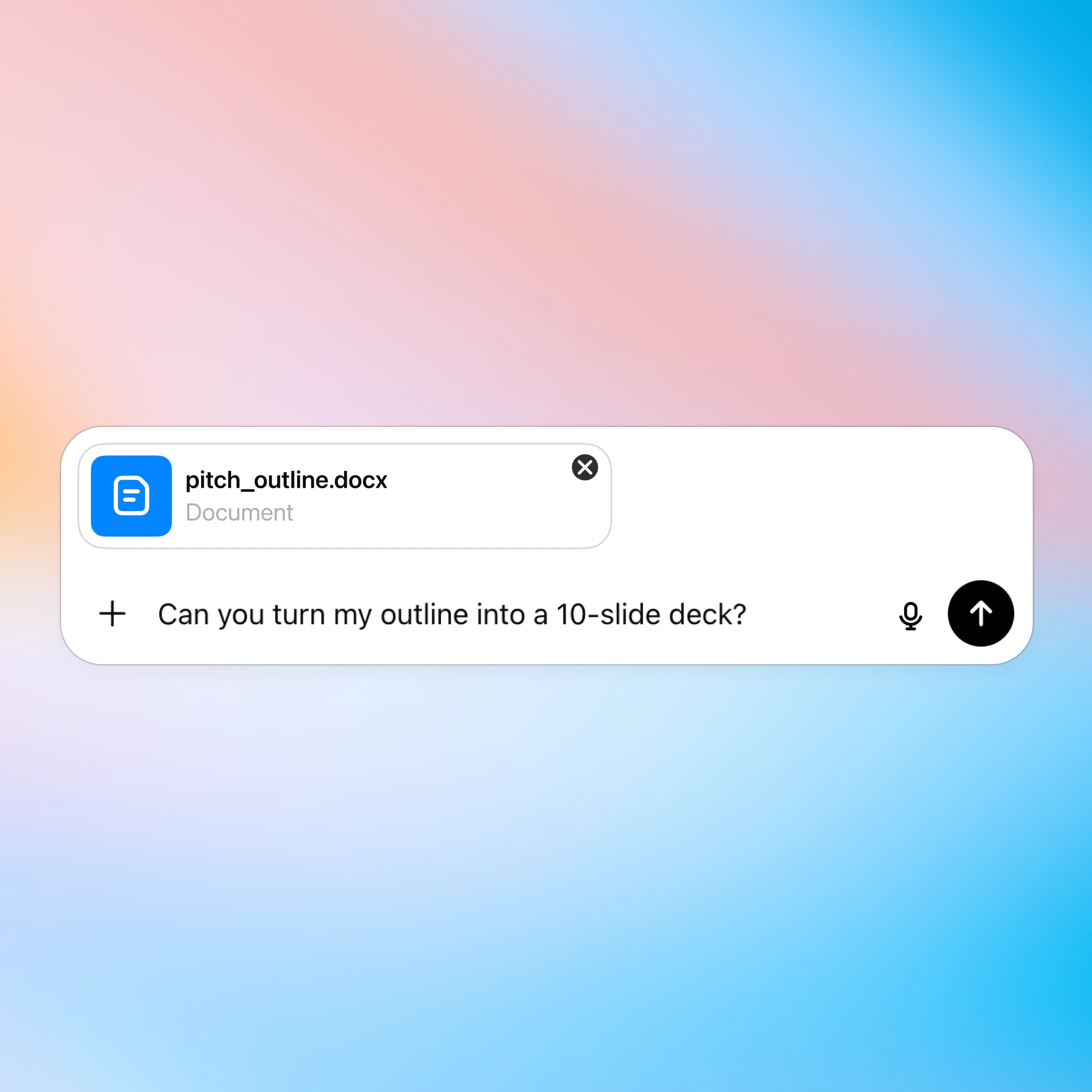
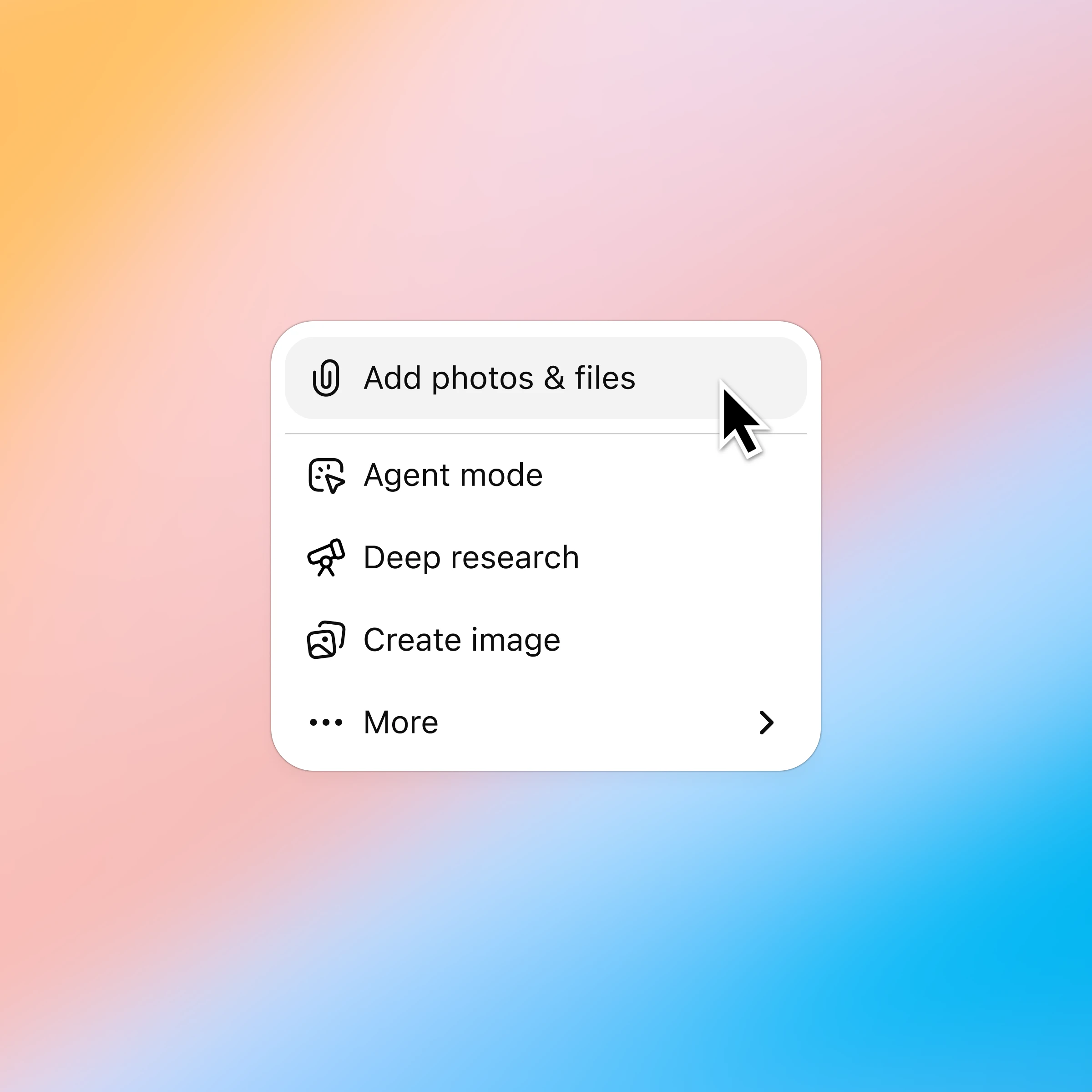
Click the ‘+’ and select ‘Add photos & files’ and choose the presentation you want to discuss. Plus and Pro customers can connect to Google Drive and Microsoft Teams to pull in existing files. Learn more.
More ways to chat with presentations
More ways to use ChatGPT
- Chat with spreadsheets
Understand data faster, fix formulas confidently, and turn raw numbers into clear insights and templates.
- Chat with PDFs
Upload your PDFs to ChatGPT and get help analyzing and summarizing big documents, so you can get the information you need quickly.
- Browse the web with Atlas
Use Atlas, our AI-powered browser, to summarize pages, compare products, analyze information, or take actions across the web.